Related Keywords
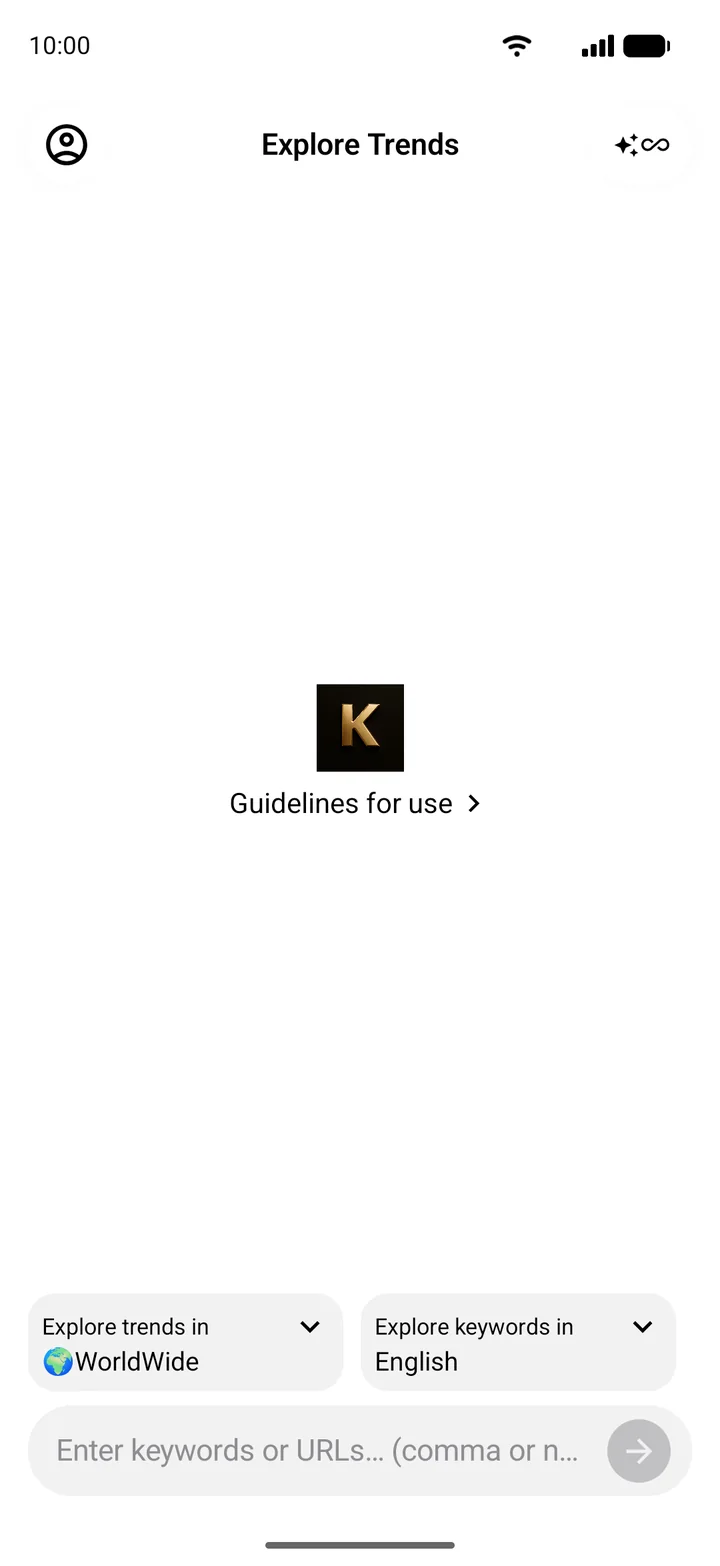
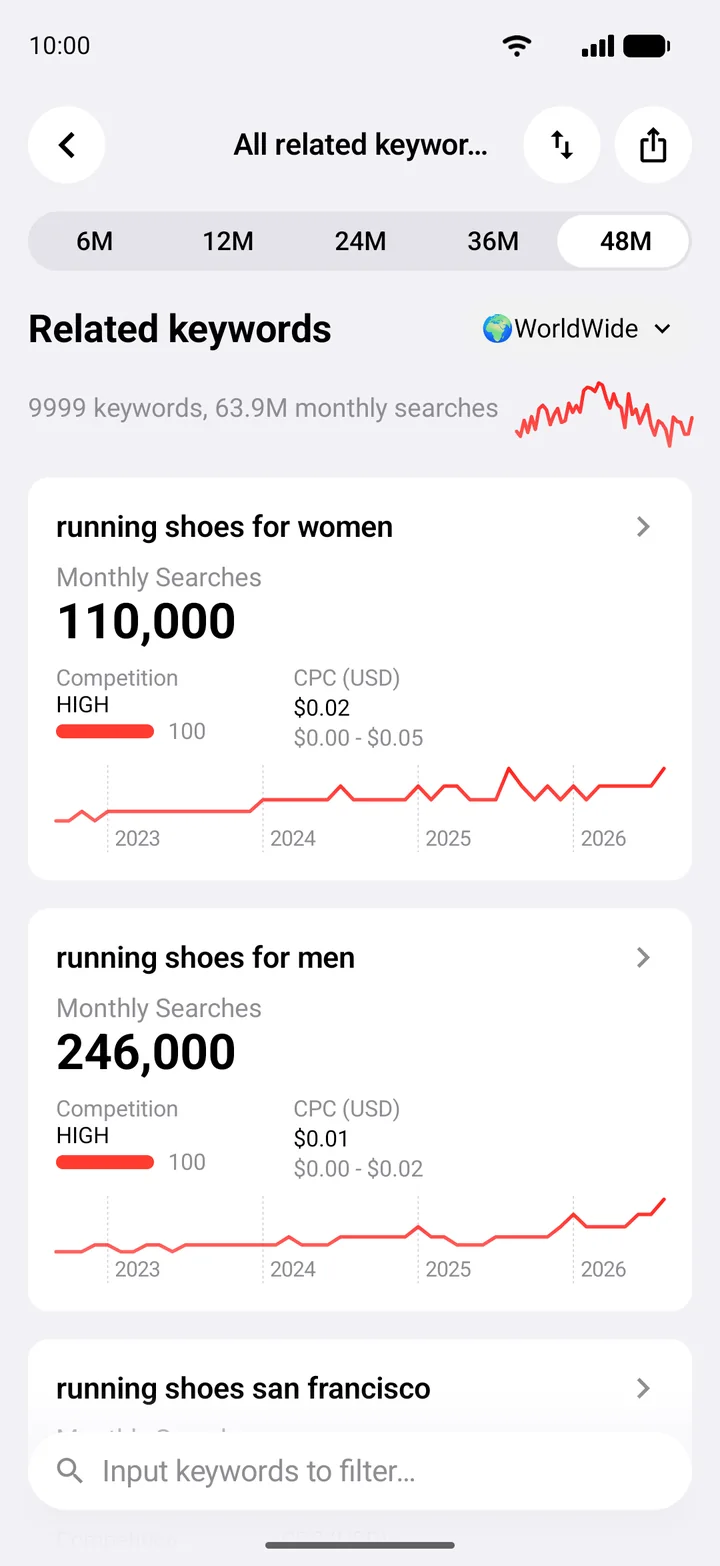
Get hundreds of related keywords from a seed keyword or any URL.
Compare up to 5 keywords side by side
KAI shows real monthly searches, CPC and competition straight from Google, across 237 countries and regions. Research keywords for SEO, ASO and ads on iPhone, iPad, Mac and Android.
Free to start. No account needed.

Real data
Every number in KAI, from monthly searches to competition and CPC, comes directly from Google Ads data. Judge demand and cost before you commit to a keyword.
Compare
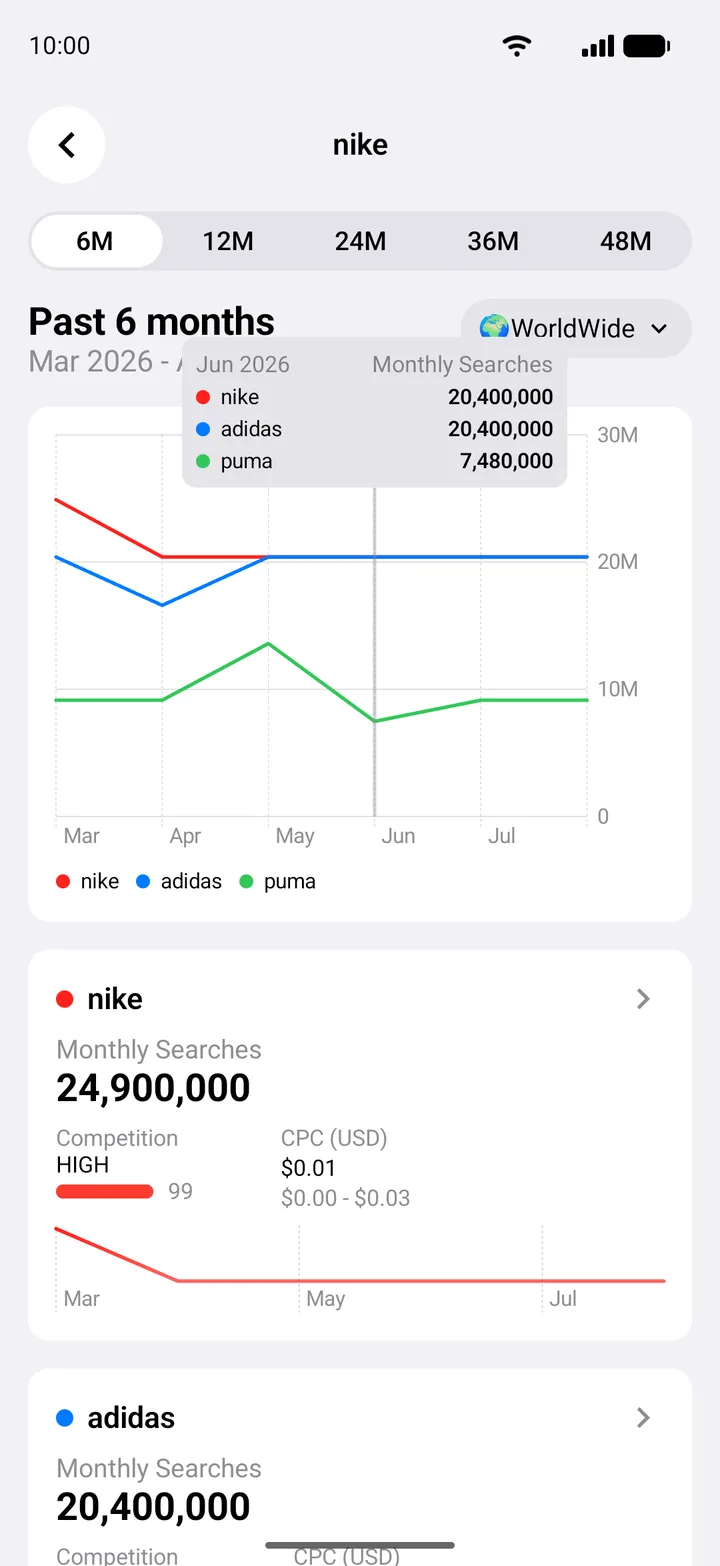
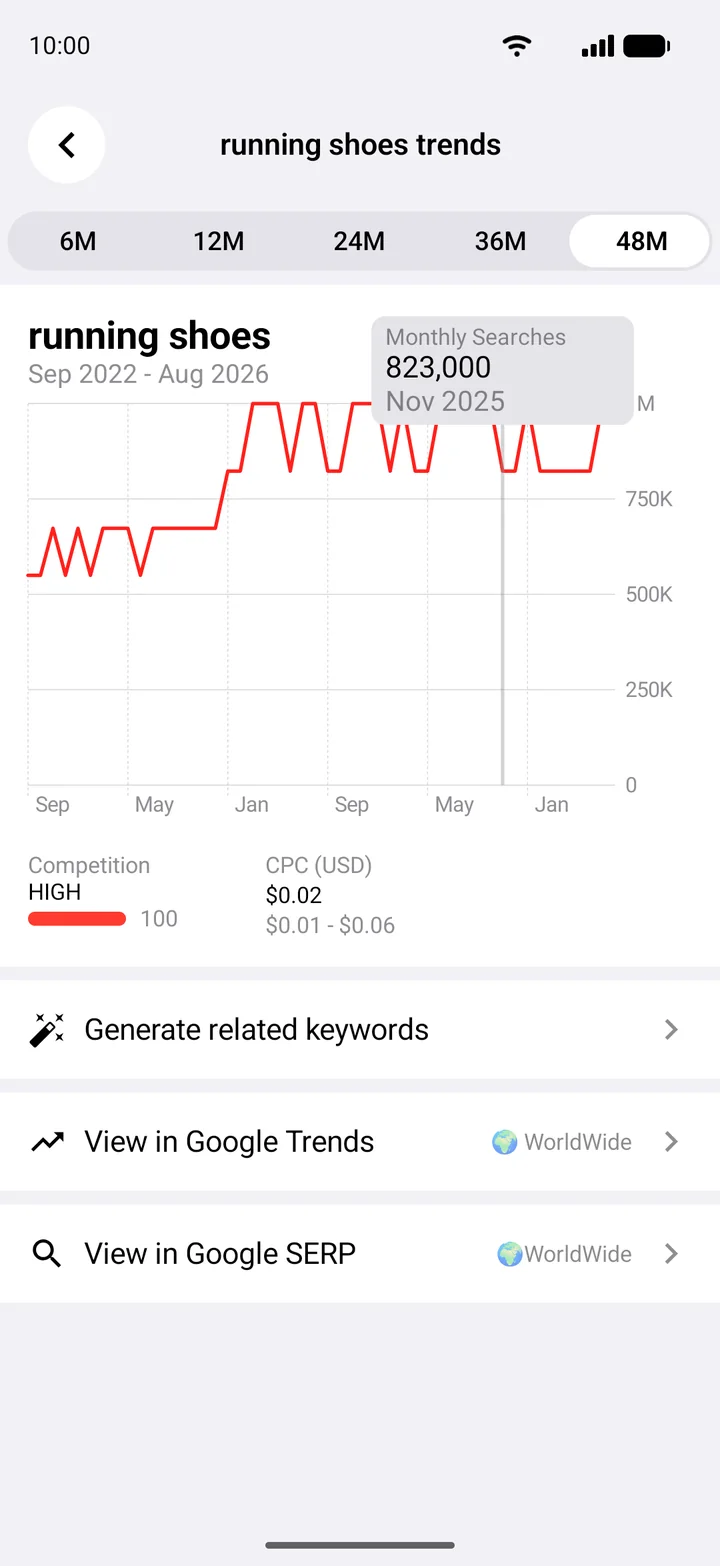
PremiumType nike, adidas, puma and watch every trend land on the same chart. See who is rising, who is fading and what each keyword costs.
Discover
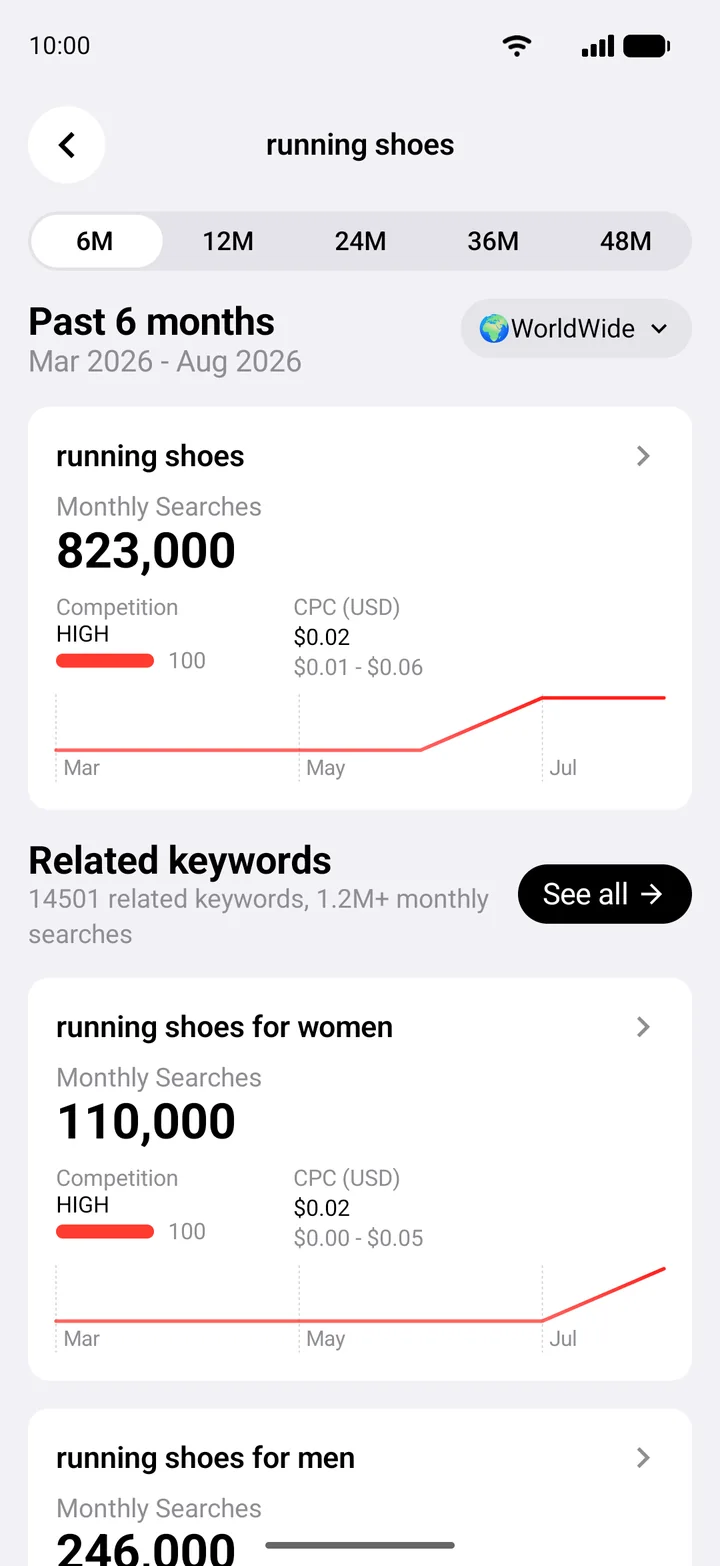
PremiumTurn one seed keyword or a whole website into up to 10,000 related keywords, each with search volume, competition and CPC. Find rising, low-competition terms to drive traffic or shape your next product.
Global markets
People search differently everywhere. Pick a market and a language, then go beyond countries and see how demand shifts across cities and regions.

Everything in one app
Get hundreds of related keywords from a seed keyword or any URL.
Look up keyword data for any website or URL.
See how many times a keyword is searched every month.
Track keywords search volume up to last 48 months.
Check cost-per-click and competition level before you bet on a keyword.
Explore keywords in any country, region and language.
Use AI to find the keywords you could never discover on your own.
All the keywords and trends data can be exported as a CSV file to keep or share.
Use cases
Find rising, low-competition keywords and cover more of the long tail before your competitors do.
Validate the search terms behind app discovery, market by market and language by language.
Spot high-volume, affordable keywords and see the CPC range before you spend a cent.
Every search is a real need. Watch demand grow and find your next opportunity.
Free to start
Download the app and research your first keywords right away.
Everything you need to get started
FAQ
Monthly searches, competition and CPC come directly from Google. KAI combines them with data from sources such as Google Trends and other keyword platforms, plus AI, to simplify keyword research.
You can start for free with 6 free credits. Premium removes the limits and unlocks up to 48 months of data, related keyword data, multi-keyword comparison, city and region trends and CSV export.
KAI is available for iPhone and iPad, Macs with Apple Silicon, and Android phones and tablets. If you have none of these, join the waitlist for the web version below.
Yes. Enter a URL or domain such as apple.com and KAI analyzes the page, then researches keywords based on its content. Comparing several keywords at once supports keywords only.
Up to 5. Separate them with commas or new lines, for example Apple, Google, Microsoft, and KAI shows one shared trend chart with volume, competition and CPC for each keyword. Comparison is a Premium feature.
Yes. Related keywords, their search volume, CPC and competition can be exported as a CSV file to save, share or analyze further.
Subscriptions are managed by the store you bought from. Cancel any time in your Apple ID subscription settings, or in Google Play under Payments & subscriptions.
Yes. If you need to retrieve large quantities of keyword search volume and trends data, contact [email protected].

Real search data for any keyword, in your pocket. Free to start.
Don't have an Apple or Android device? Join the waitlist for GoTrends Web.